Representative Volume Element with Elastic inclusions
website: https://github.com/latug0/mfem-mgis-examples/tree/master/ex6
This example models a periodic Representative Volume Element made of two materials. Both follow the Saint Venant-Kirchhoff hyperelastic behaviour. A macroscopic deformation gradient is imposed.
By default, the Representative Volume Element is a cube made of two layers.
The solution is then compared to the analytical one. The file
inclusions_49.geo describes a Representative Volume Element with 49
spherical inclusions.
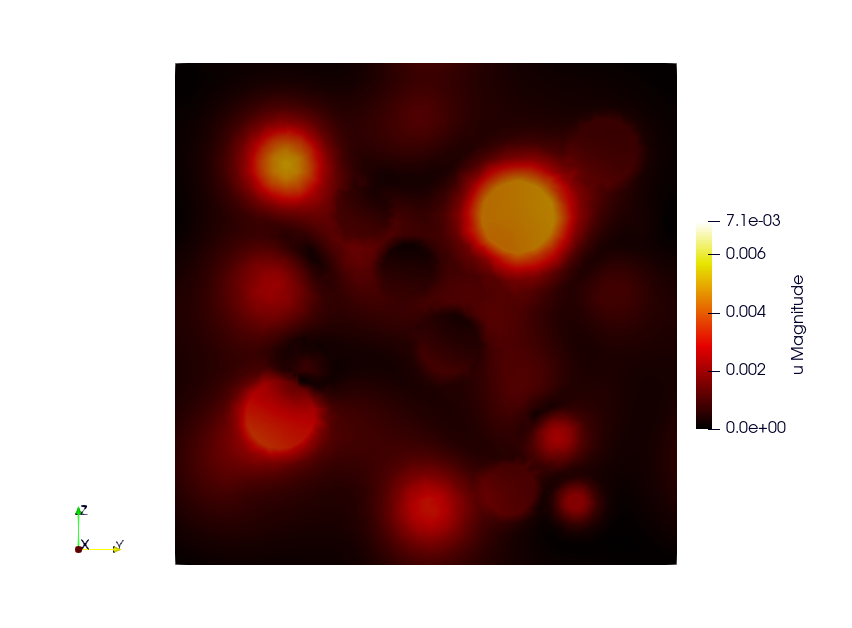
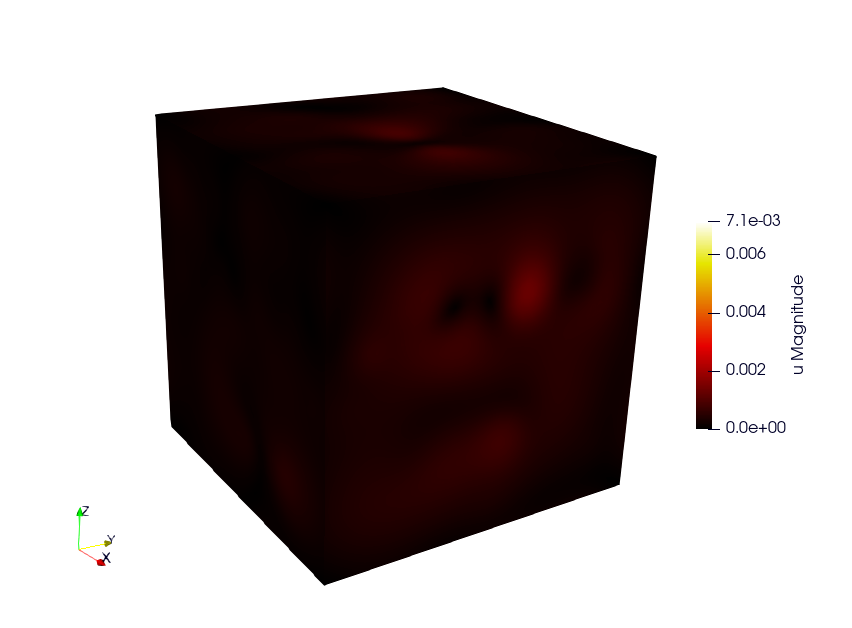
Build the mesh
The .geo file is in the ex6 directory. Mesh it with GMSH:
gmsh -3 inclusions_49.geo
The number of spheres and the size of the elements are parameters of the
.geo file.
Run the Simulation
The first command runs the default case. The second one runs the case with inclusions:
./rve
mpirun -n 12 ./rve --mesh inclusions_49.msh --no-check
The analytical solution is only valid for the default mesh. The option
--no-check disables the comparison.
Available options
Command line |
Description |
Default |
|---|---|---|
|
Mesh file |
cube_2mat_per.mesh |
|
Material library |
src/libBehaviour.so |
|
Finite element order |
1 |
|
Number of uniform refinements of the mesh |
0 |
|
Export or not the results to Paraview |
export |
|
Compare or not the solution to the analytical solution of the two-layer cube |
compare |
|
Verbosity level of the solvers |
1 |